MadgeTech data loggers are simple to use — once you know the software. Our MadgeTech 4 software training gives your team the confidence to set up loggers correctly, find the data they need and produce reports that stand up to audits.
What the training covers
- Getting started — installing MadgeTech 4 and connecting interfaces and loggers
- Setting up loggers — start and stop times, reading rates, delayed start and alarm limits
- Downloading and viewing data — graphs, tables, statistics and multiple loggers on one chart
- Reports — creating clear, repeatable reports and exporting data
- Validation tools — reviewing autoclave and thermal-process data, including lethality / F0 where applicable
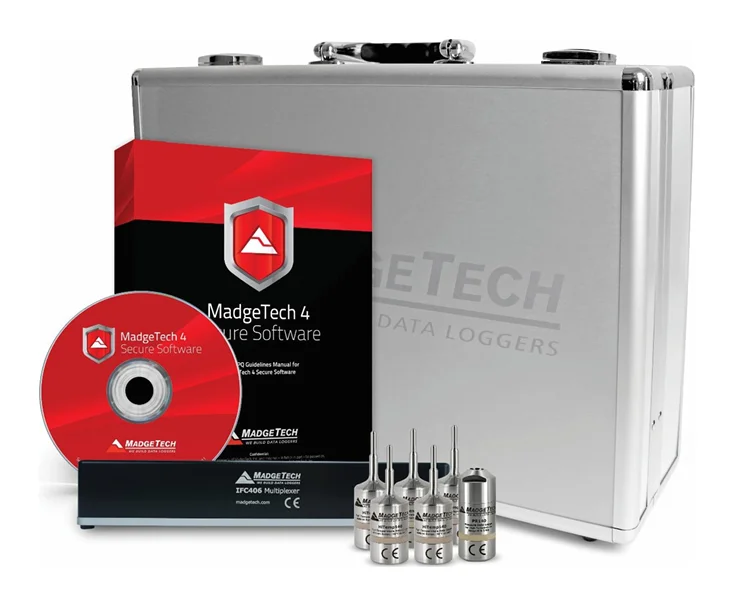
- MadgeTech Secure software — user management, audit trails and electronic signatures supporting 21 CFR Part 11
- Care and maintenance — batteries, calibration intervals and troubleshooting
Who it's for
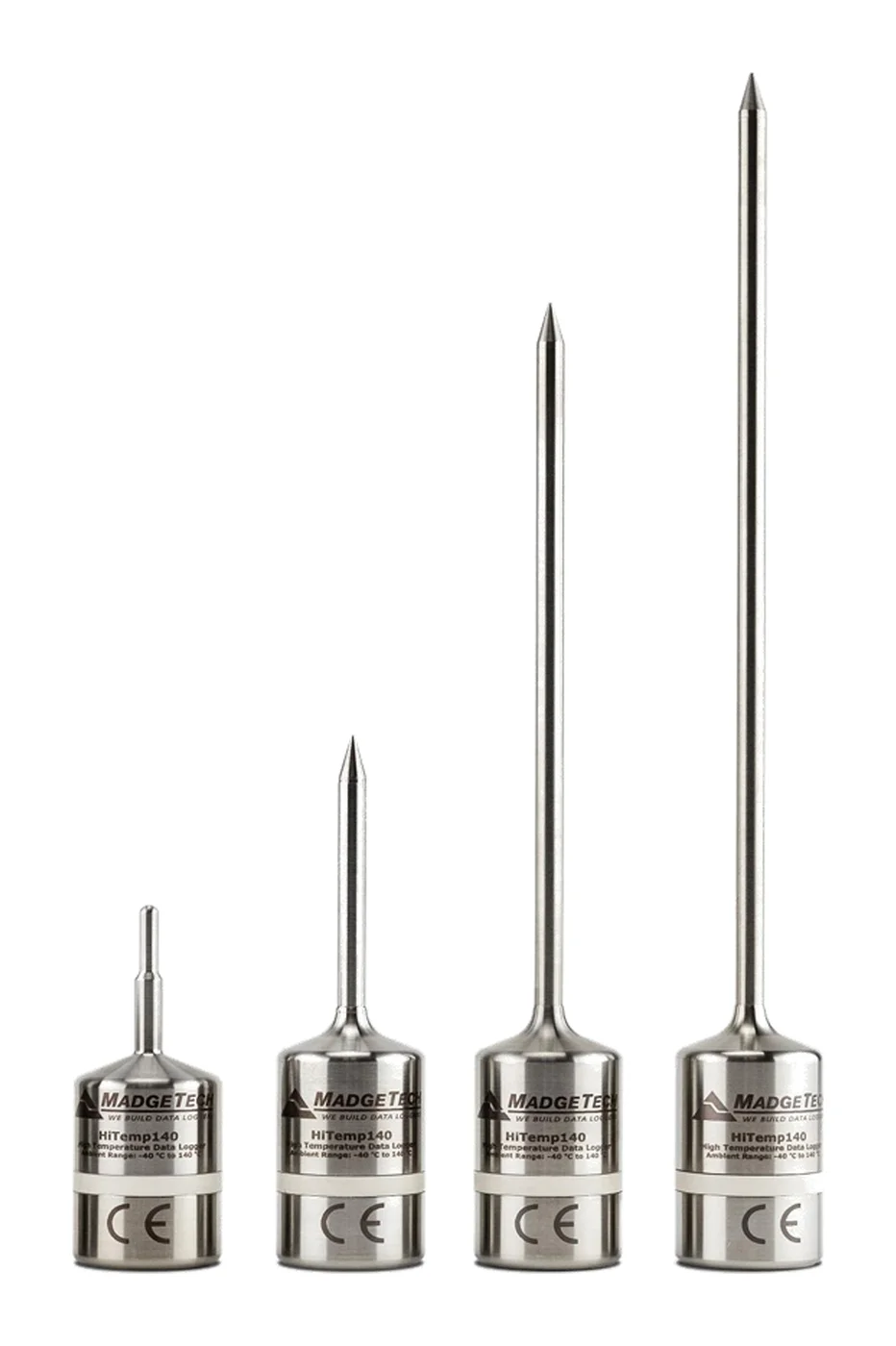
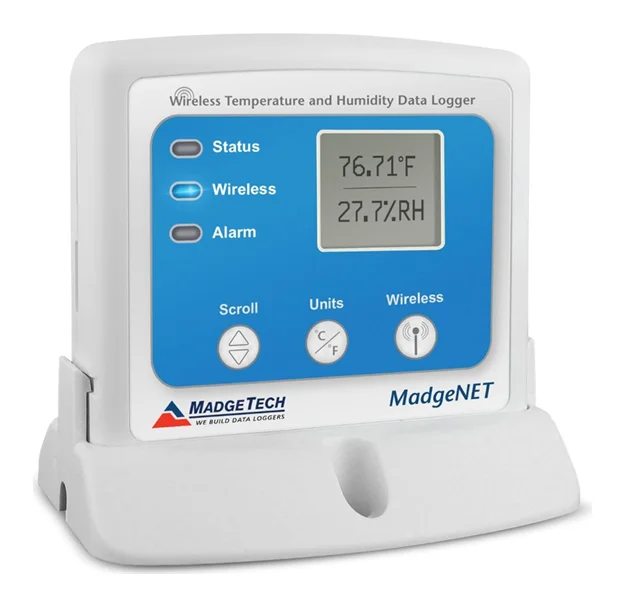
- New owners of loggers such as the HiTemp140, RFRHTemp2000A or AVS140-6 validation set
- QA and validation teams preparing for audits
- Teams taking over an existing monitoring system
Training is often combined with data logging system installation or autoclave validation.
Frequently asked questions
Who should attend?
Anyone who sets up loggers, runs studies, reviews data or signs off reports — typically QA, validation, engineering and warehouse teams.
Do you cover MadgeTech Secure software?
Yes. For regulated users we cover the Secure software features that support 21 CFR Part 11, including user accounts, audit trails and electronic signatures.